Bring imagination to life.
Next generation drone scouting tool for professionals

GlobeXplore Pro is a professional drone simulation software provided by ozora. This software offers specialised features for drone pilots involved in video production, supporting efficiency and accuracy improvements.
※1
Virtual location scouting for drone shot planning
Plan drone shots on Mac and Windows with GlobeXplore Pro. Explore 3D maps, CAD and photogrammetry, simulate sunlight and lens framing, and compare locations before a site visit.
Pro is shot planning software for Mac and Windows. For the separate browser-based product, visit GlobeXplore Web.
Explore shot planning guides
Virtual location scouting: recreate a shooting site with 3D data
A practical GlobeXplore Pro workflow for combining Google Earth, PLATEAU, CAD data, and photogrammetry, then testing location, time, weather, and lens conditions before a drone shoot.
How to use sunlight simulation to plan a drone shooting time
Learn how GlobeXplore Pro uses selected times and weather conditions to review sunrise, sunset, and changing light and shadows before a shoot.
Drone lens simulation: compare lens angles and equipment before a shoot
See how GlobeXplore Pro recreates an equivalent lens angle for a shooting drone so teams can review equipment, altitude, and position before going on site.
Simulation results may differ from on-site conditions. Check the location before filming.
View plans and getting started
PLATEAU AWARD 2025

受賞
Do you have these issues?



All solved with GlobeXplore Pro.

Integrate multiple data sources
Faithfully recreate actual locations
Unconstrained by location, time or weather
Simulation experience
Simulate the operating range of real drones
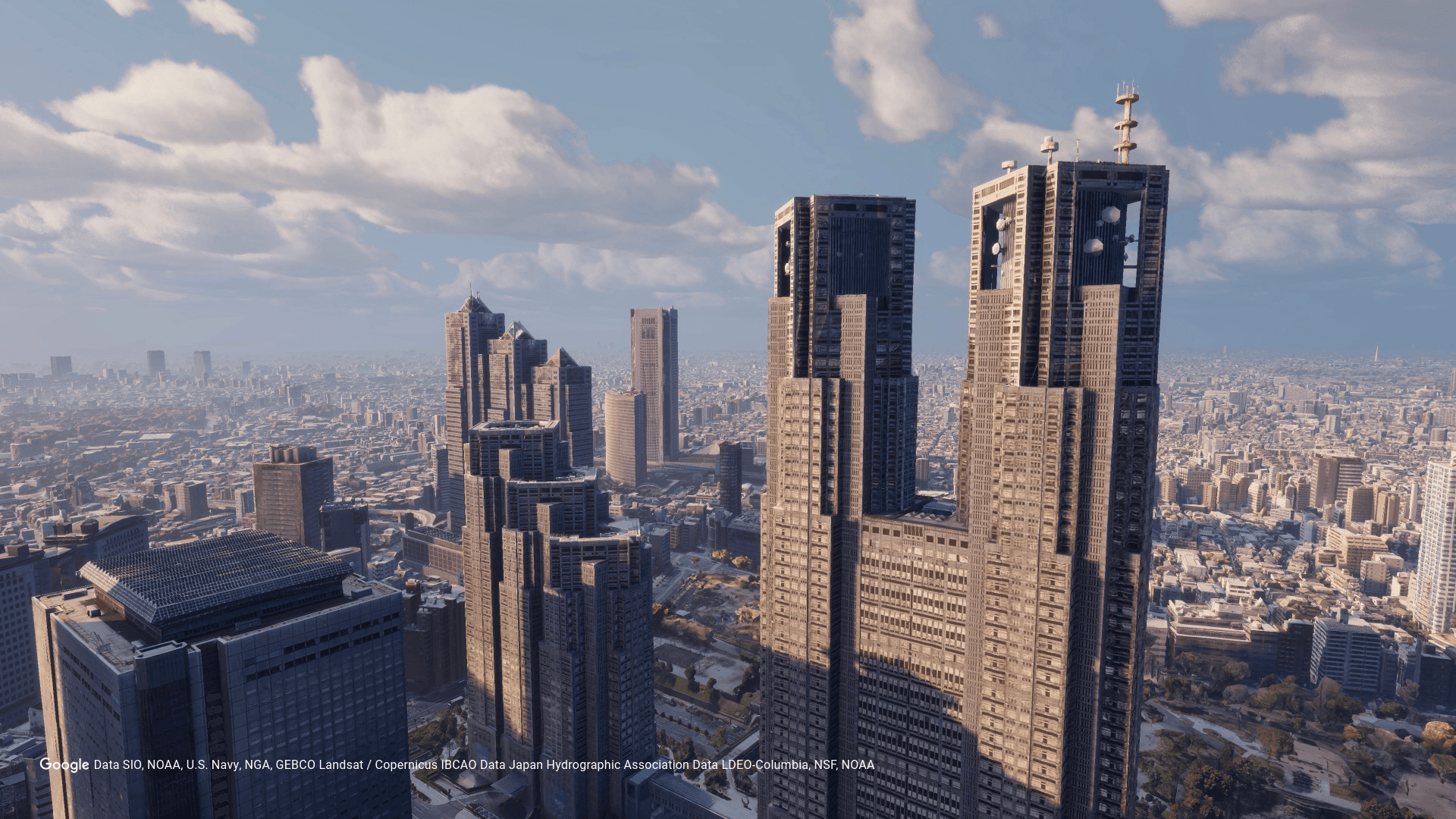
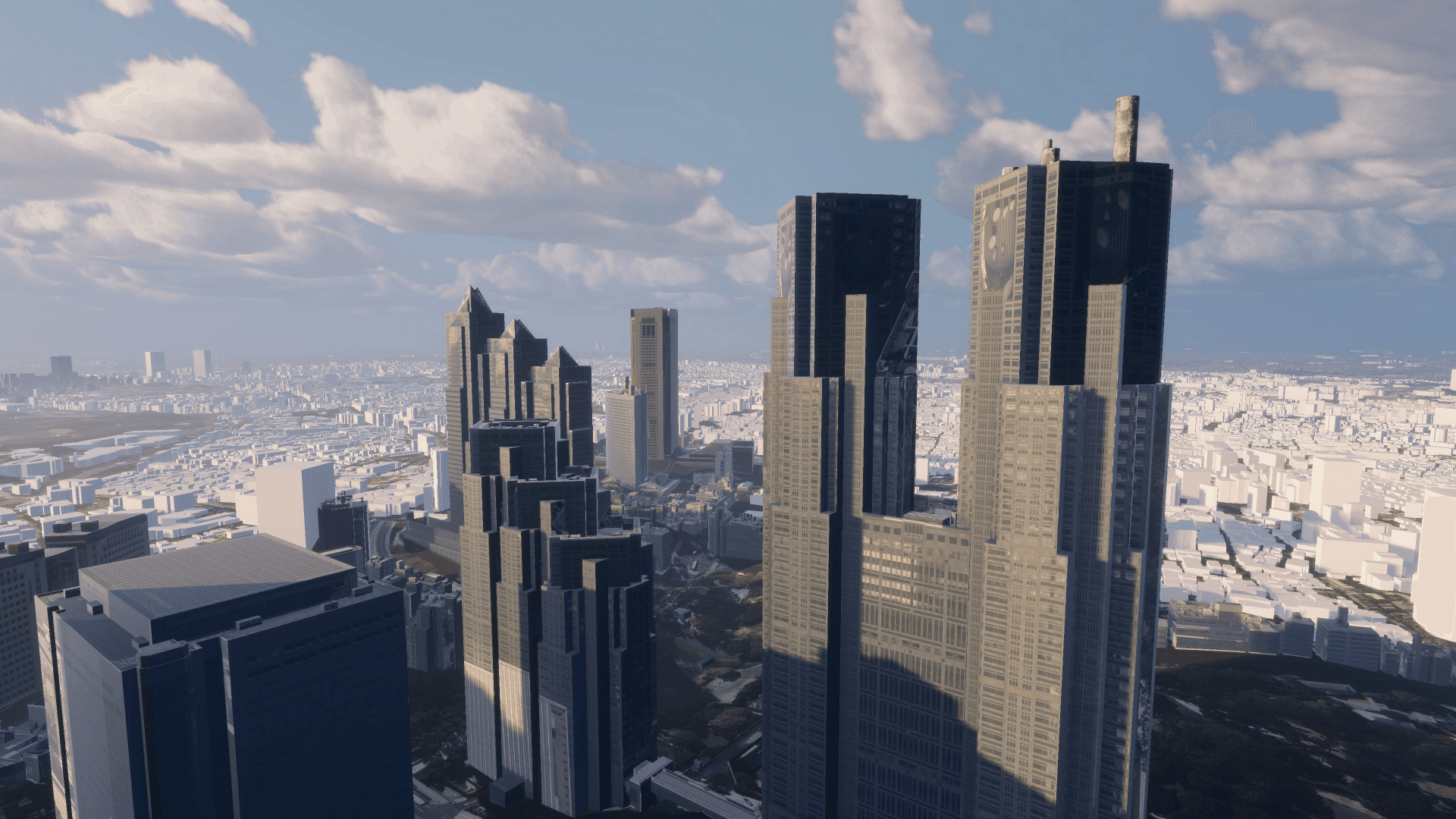
3D Data Integration
Faithfully reproduce real locations.
This is virtual
location scouting.
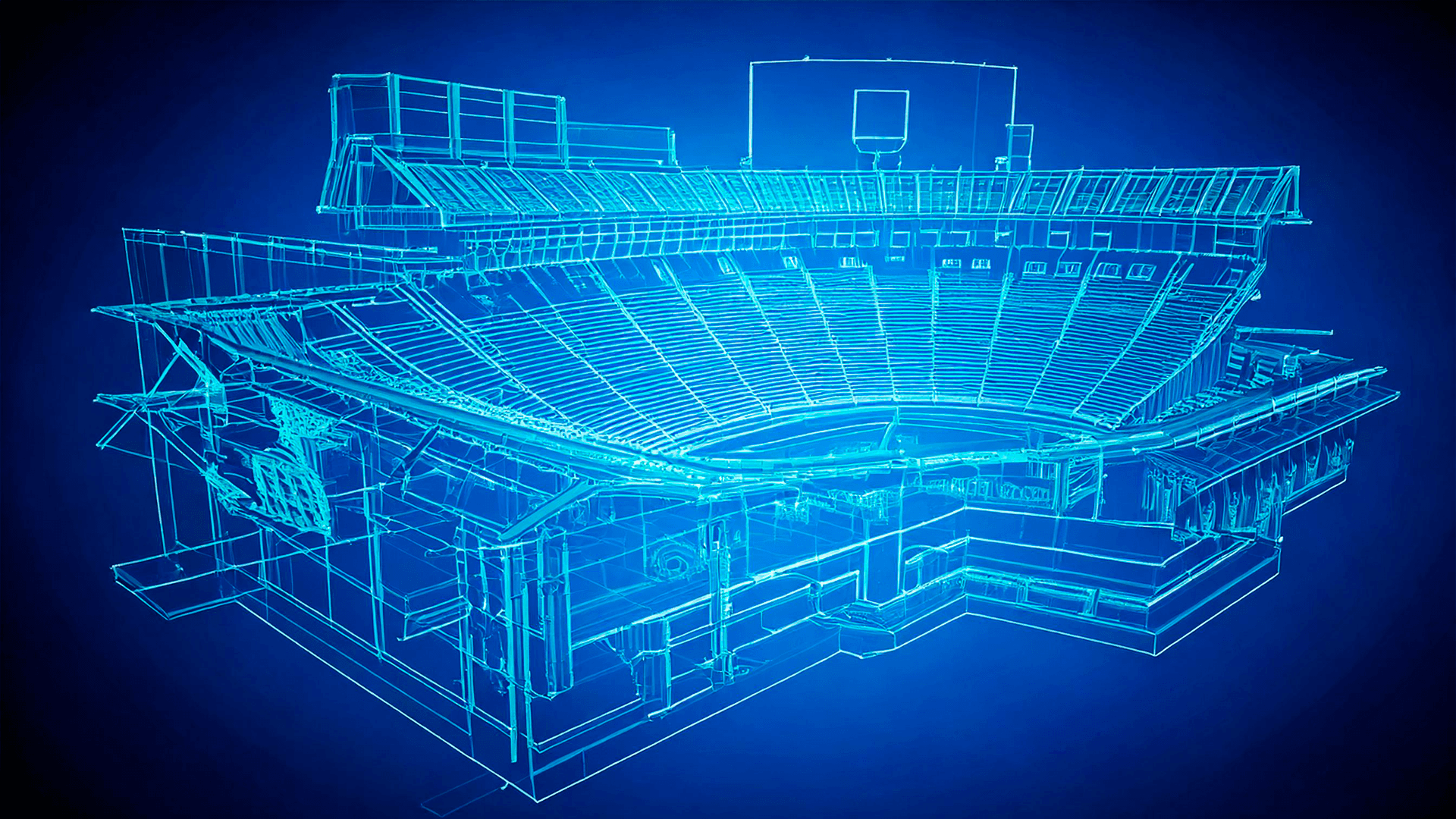
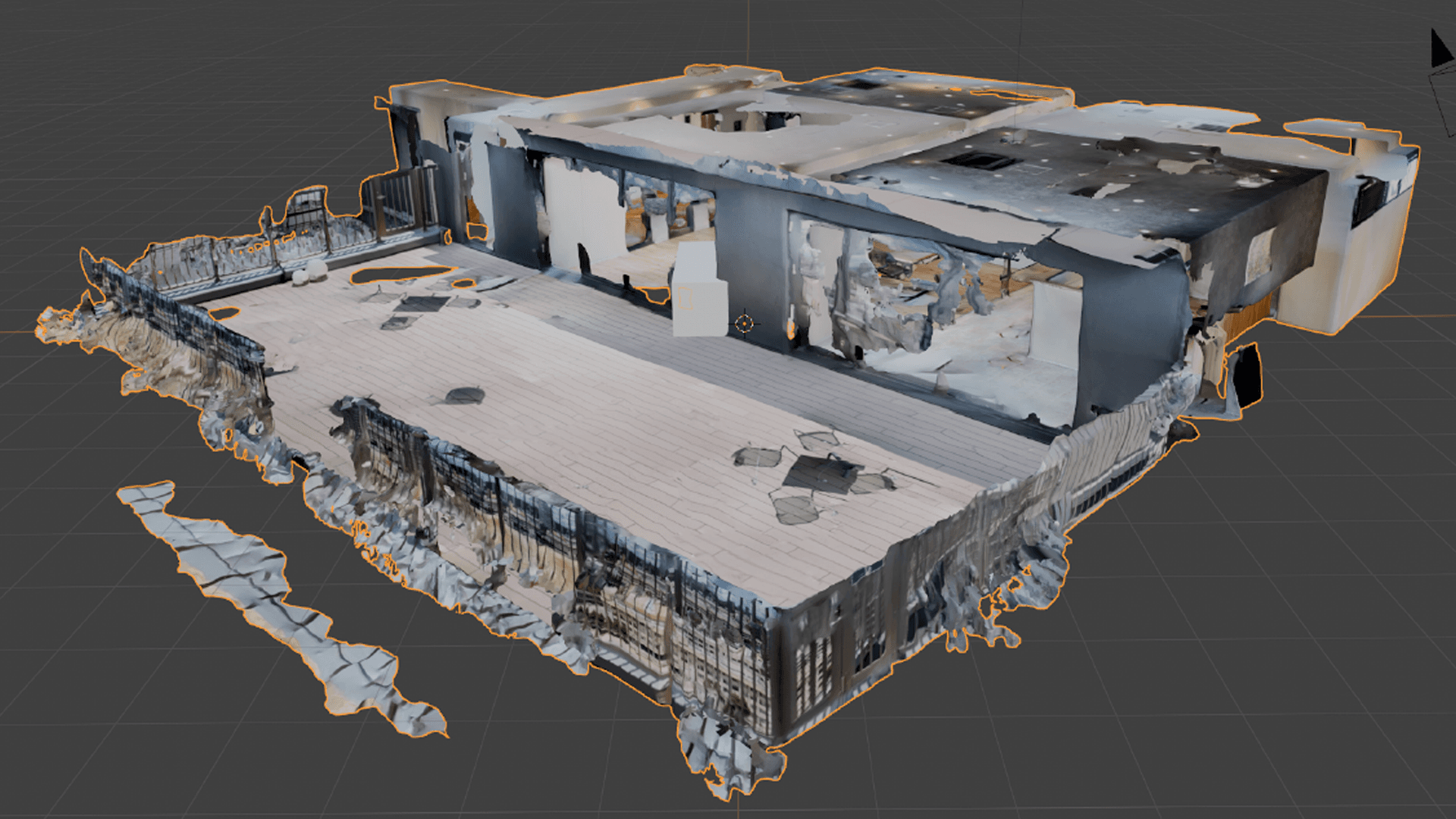
GlobeXplore Pro lets you integrate various 3D data including Google Earth.
It also recreates indoor areas not covered by Google Earth and scenarios requiring higher precision.
Sunlight Simulation
From sunrise to sunset,
at your command.
Set the time in the software to realistically simulate sunrise, sunset and lighting changes.

Specify weather
Simulate changes in light with or without clouds.
Check patterns in various weather beforehand.
Lens Simulation
lenses.Replicate any camera.
Recreate in software the same lens angle of view as your drone.
This makes choosing equipment smooth.
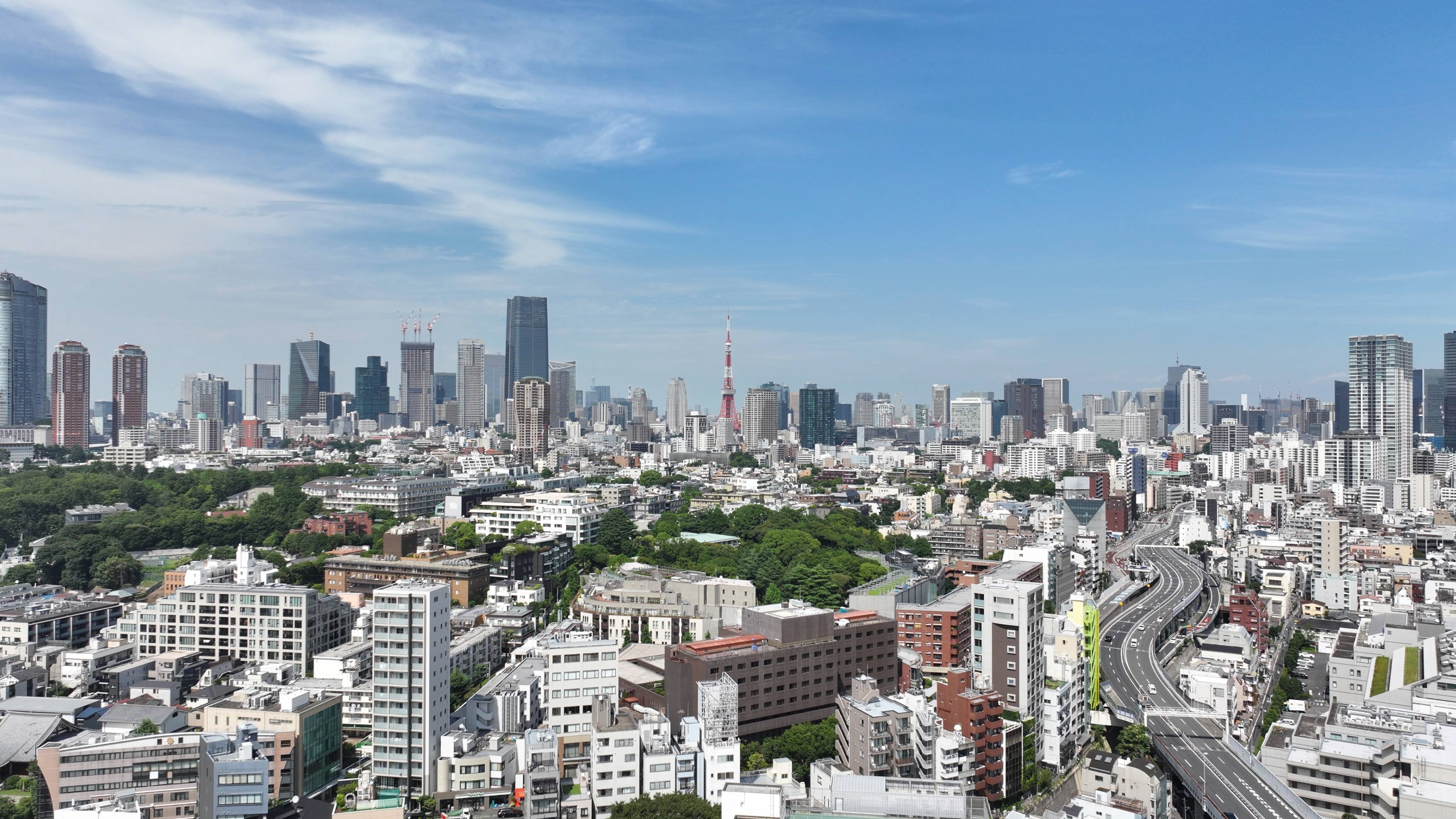
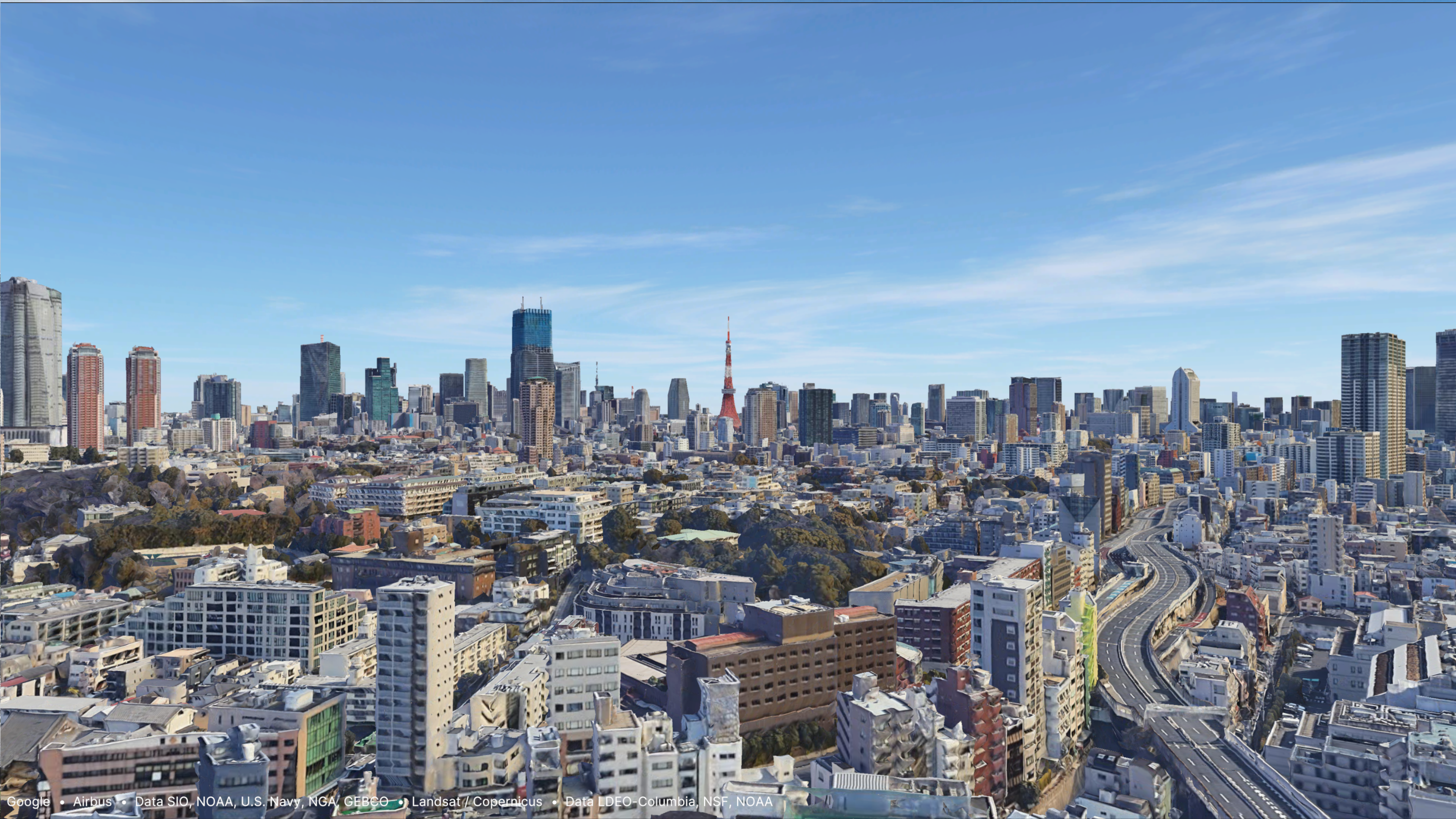

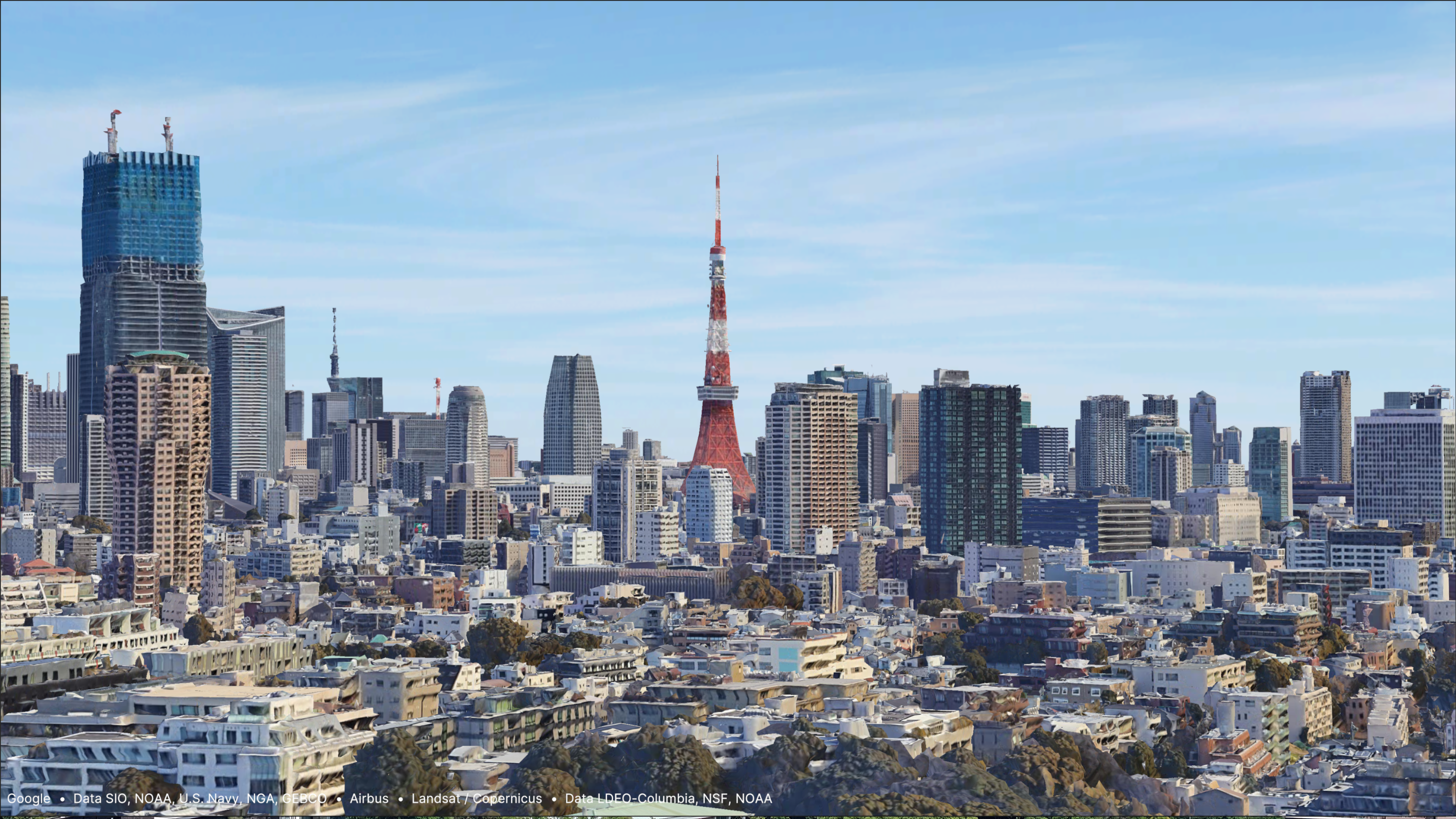


Simulates the lenses of the following products:
More supported products coming soon


Pay-as-you-go
Use it whenever you need
72 hours
¥5,500
(Tax included)
-Main features-
Sunlight simulation
Lens simulation
World 3D map data
Subscription
Unlimited access
Per month
¥49,500
(Tax included)
-Main features-
Sunlight simulation
Lens simulation
World 3D map data
Pay-as-you-go
Use it whenever you need
72 hours
¥5,500
(Tax included)
-Main features-
Sunlight simulation
Lens simulation
World 3D map data
Subscription
Unlimited access
Per month
¥49,500
(Tax included)
-Main features-
Sunlight simulation
Lens simulation
World 3D map data
Additional Options
Flexible for complex sites
for pricing
Our staff will create custom simulations using GlobeXplore Pro functions to meet your needs.
Post-adoption support
Limited time
Free
¥22,000
Book two sessions per month totaling one hour.
Receive explanations and support.


GlobeXplore Pro is currently patent pending.
"GlobeXplore Pro" offers innovative services using unique technology. Patents are pending for these technologies. We will inform you once they are officially granted.
Patent Pending
Google is a trademark of Google LLC. DJI is a trademark of DJI Co., Ltd. All other company and product names are generally trademarks or registered trademarks of their respective owners. *1: Images provided by www.ls.graphics/. Technology used in this product is patent pending. All prices displayed on this site include tax.
Copyright © 2025 ozora Inc., All rights reserved.